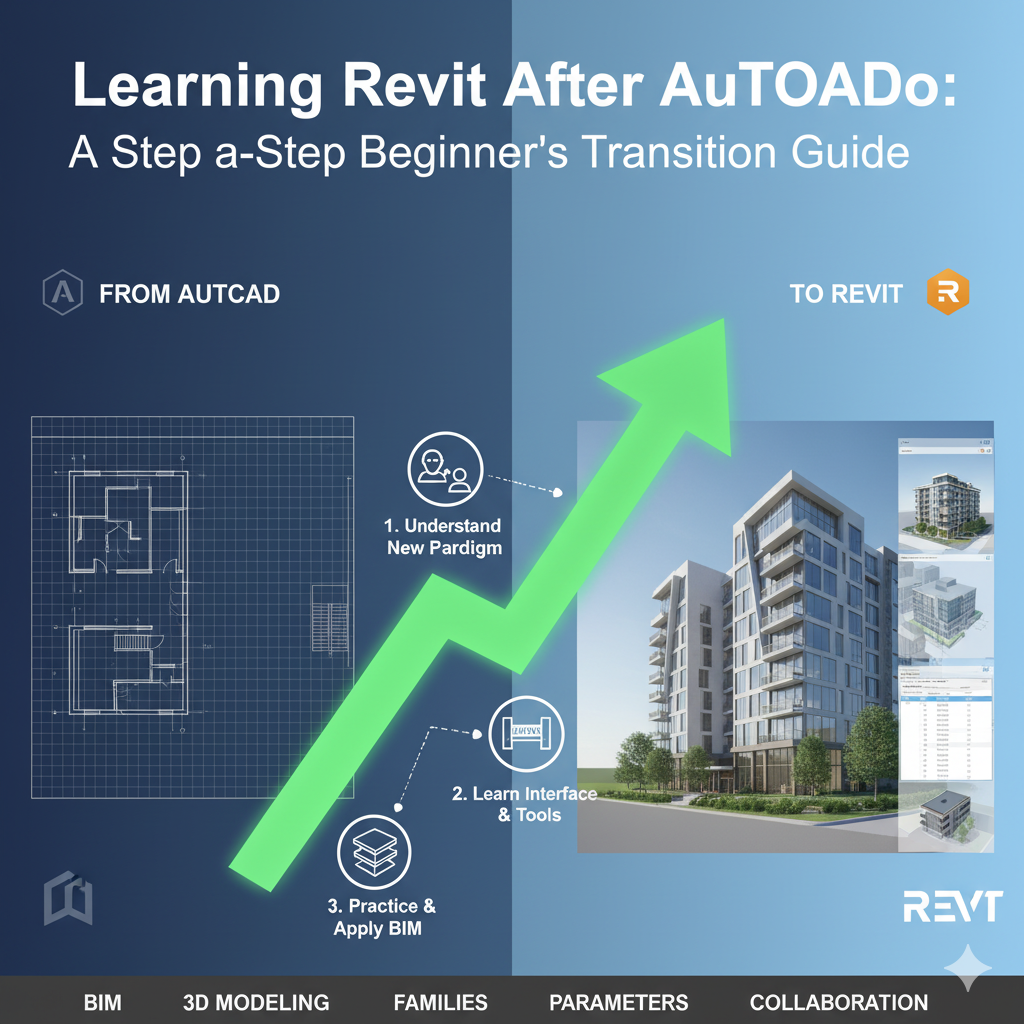
If you have been working with AutoCAD for years and are now eyeing Revit, you are not alone. Thousands of architects, engineers, and designers make this transition every year — and the question they all ask is the same: does my AutoCAD experience actually help, or am I starting from scratch?
The short answer is: yes, your AutoCAD background absolutely helps — but Revit is a fundamentally different tool built on a different philosophy. Understanding that difference is the key to making a smooth, fast transition.
| 💡 TL;DR | AutoCAD users typically learn Revit 30–50% faster than complete beginners because of overlapping logic in precision drafting, coordinate systems, and file management — but Revit’s parametric BIM engine requires a genuine mindset shift. |
What Is the Difference Between AutoCAD and Revit?
Before we talk about learning curves, it helps to understand what each tool is fundamentally designed to do.
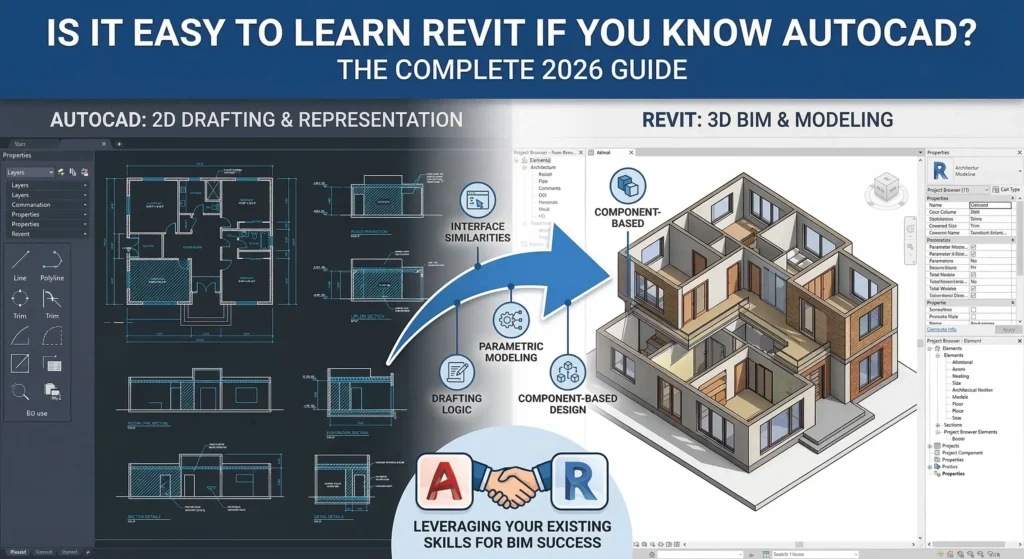
AutoCAD is a general-purpose 2D and 3D drafting application. You draw lines, arcs, circles, and polylines to create technical drawings. Everything is geometry — you are essentially creating a very precise digital drawing on paper.
Revit, on the other hand, is a Building Information Modeling (BIM) platform. Instead of drawing lines, you place intelligent objects: walls, doors, windows, floors, and structural elements. Each object carries data about its material, cost, manufacturer, and performance properties. A wall in Revit knows it is a wall. A wall in AutoCAD is just a pair of lines.
This philosophical difference — geometry vs. objects — is the central challenge AutoCAD users face when switching to Revit.
How Your AutoCAD Skills Transfer to Revit
1. Precision and Coordinates
AutoCAD teaches you to think in precise coordinates: X, Y, Z values, snap points, and dimensioned geometry. Revit uses the same coordinate-based precision. You will feel immediately comfortable with snapping, aligning elements, and placing objects at exact dimensions. This foundational skill transfers directly and will feel natural from day one.
2. Layer Logic Translates to Visibility Controls
AutoCAD layers control what is visible and on what linetype or color. Revit replaces layers with a richer system of categories, subcategories, and view filters — but the core logic is familiar. You already understand why you might want to hide structural elements when presenting an interior design view. Revit’s Visibility/Graphics dialog (VG shortcut) will feel like a more powerful version of the Layer Manager you already know.
3. File References and Linked Files
AutoCAD’s XREF (external reference) system is widely used for coordinating drawings across disciplines. Revit has its own linked model system that works on similar principles: you can link an architectural model into a structural model, coordinate on the same base point, and keep disciplines separated. If you have worked with XREFs in AutoCAD, you will grasp Revit linking faster than someone who has not.
4. Keyboard Shortcuts Mindset
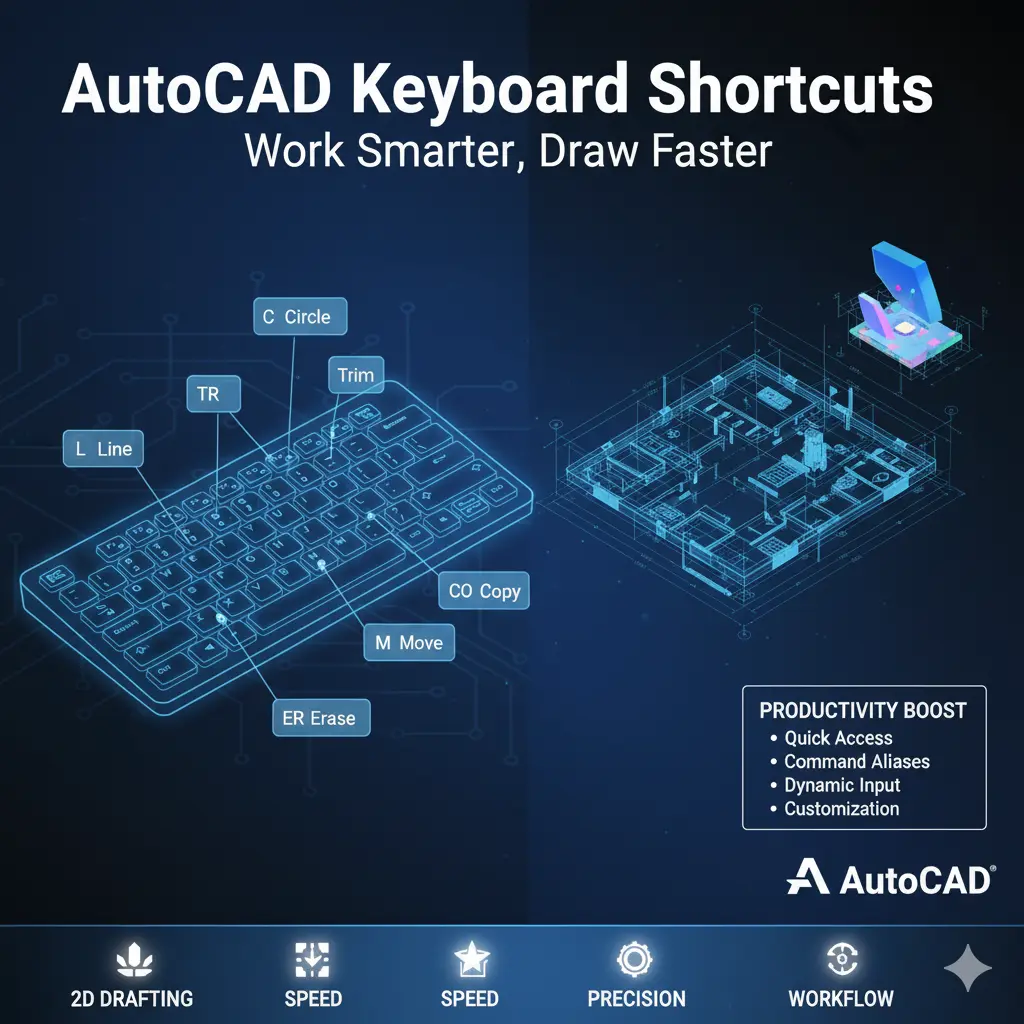
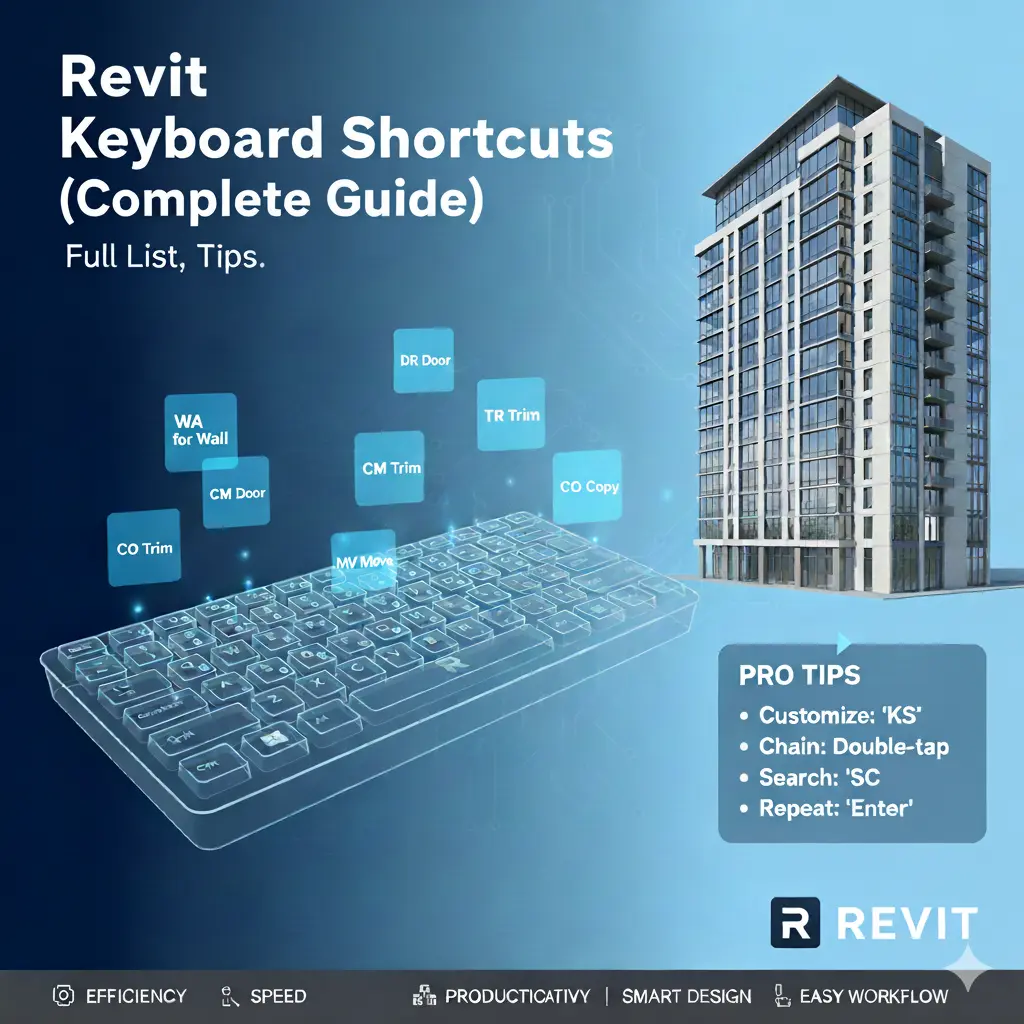
Power users in AutoCAD rely heavily on keyboard shortcuts and command aliases. Revit also has an extensive shortcut library (WA for Wall, DR for Door, WN for Window, etc.). Your habit of using shortcuts rather than clicking through menus will accelerate your Revit workflow significantly.
5. Print and Sheet Setup
Setting up sheets for printing in AutoCAD involves layouts, viewports, and title blocks. Revit’s Sheet view works in a very similar way: you create a sheet, drag views onto it, set the viewport scale, and print. The concept maps cleanly, even if the specific steps are different.
What You Will Need to Learn From Scratch
The Parametric BIM Engine
This is the biggest conceptual leap. In Revit, everything is connected. If you move a wall, the roof adjusts. If you change a door family, every instance of that door in the building updates. Schedules populate automatically from model data. Rooms calculate areas dynamically. This relational intelligence is Revit’s greatest strength — and the thing most AutoCAD users find disorienting at first.
You need to stop thinking in terms of ‘drawing’ and start thinking in terms of ‘modeling and scheduling.’ This mindset shift usually takes two to four weeks of consistent practice to become intuitive.
Families and the Family Editor
Revit’s parametric objects are called Families. A door family is not just a symbol — it is a fully parametric 3D object with types, parameters, and embedded data. Understanding the three categories (System Families, Loadable Families, and In-Place Families) and how to create and modify them is a skill with no real AutoCAD equivalent. Expect to spend dedicated time learning the Family Editor.
Views vs. Drawings
In AutoCAD, you create drawings. In Revit, you create views of a single model. A floor plan, a section, an elevation, and a 3D perspective are all just different windows into the same building model. This means you never draw the same line twice — a wall you model in the floor plan automatically appears correctly in sections, elevations, and 3D. Learning to manage views, view templates, and view-specific visibility overrides is a core Revit skill.
Phases and Design Options
Revit has built-in tools for managing existing conditions versus new construction (Phases) and exploring design alternatives (Design Options). These have no AutoCAD equivalent and add meaningful complexity to project setup. Most beginners encounter these in real-world projects and need to learn them under pressure — better to study them proactively.
Worksharing and Collaboration
Revit’s central file and local file worksharing system allows multiple team members to work on the same model simultaneously. AutoCAD collaboration typically relies on XREFs and file-sharing. Revit’s workset-based system is more powerful but requires proper setup and discipline to avoid sync conflicts. If you plan to work in a team environment, worksharing is a non-negotiable skill.
How Long Does It Take an AutoCAD User to Learn Revit?
Based on widely reported experiences from architecture and engineering professionals, here is a realistic timeline for an AutoCAD-proficient user making the switch:
| Week 1–2 | Basic navigation, placing walls/doors/windows, creating floor plans and sections, setting up a simple sheet. You will be slow but functional. |
| Week 3–4 | Comfortable with the core BIM workflow. Editing families, using view templates, tagging and scheduling. Starting to use Revit for real small projects. |
| Month 2–3 | Confident with phases, design options, linked models, and basic family creation. Ready to work on real professional projects with supervision. |
| Month 4–6 | Proficient. Can set up projects from scratch, manage worksharing, create custom families, and produce full construction document sets. |
Compare this to a complete beginner who has never used any CAD software: they typically need 6–12 months to reach the same proficiency level. Your AutoCAD background genuinely accelerates the journey.
Common Mistakes AutoCAD Users Make When Learning Revit
- Trying to use Revit like AutoCAD — drawing geometry instead of placing model elements.
- Over-relying on Detail Lines for everything, bypassing the model-based workflow.
- Not using View Templates early, leading to chaotic view management on larger projects.
- Avoiding the Family Editor because it looks complex, then struggling with unsuitable stock families.
- Skipping worksharing setup on solo projects and being unprepared for team collaboration.
- Not understanding the difference between Annotation and Model elements, causing printing issues.
The Best Way to Learn Revit Coming from AutoCAD
1. Start with a Structured Online Course
Rather than learning by trial and error, take a structured Revit course that specifically addresses the AutoCAD-to-Revit transition. Platforms like LinkedIn Learning, Udemy, and Autodesk’s own training portal offer courses tailored to this exact audience. Look for courses that cover BIM concepts alongside the software mechanics.
2. Rebuild One of Your AutoCAD Projects in Revit
The most effective learning exercise for AutoCAD users is to take a building you already understand from your AutoCAD work and rebuild it in Revit from scratch. You already know what the result should look like, so you can focus entirely on learning the Revit workflow rather than also trying to design something.
3. Lean into What Revit Does Automatically
Resist the urge to manually control everything the way you might in AutoCAD. Trust Revit’s automated schedules, automatic section updates, and parametric relationships. Fighting the software’s intelligence will slow you down. Embrace it, and you will quickly see why so many firms have made the switch.
4. Join the Revit Community
The AUGI (Autodesk User Group International) forums, Revit Forum, and Reddit’s r/Revit community are active and helpful. AutoCAD-to-Revit transition questions are common, and experienced users are generous with guidance. You will find answers to specific workflow questions faster than any textbook can provide.
AutoCAD vs. Revit: Which Should You Use?
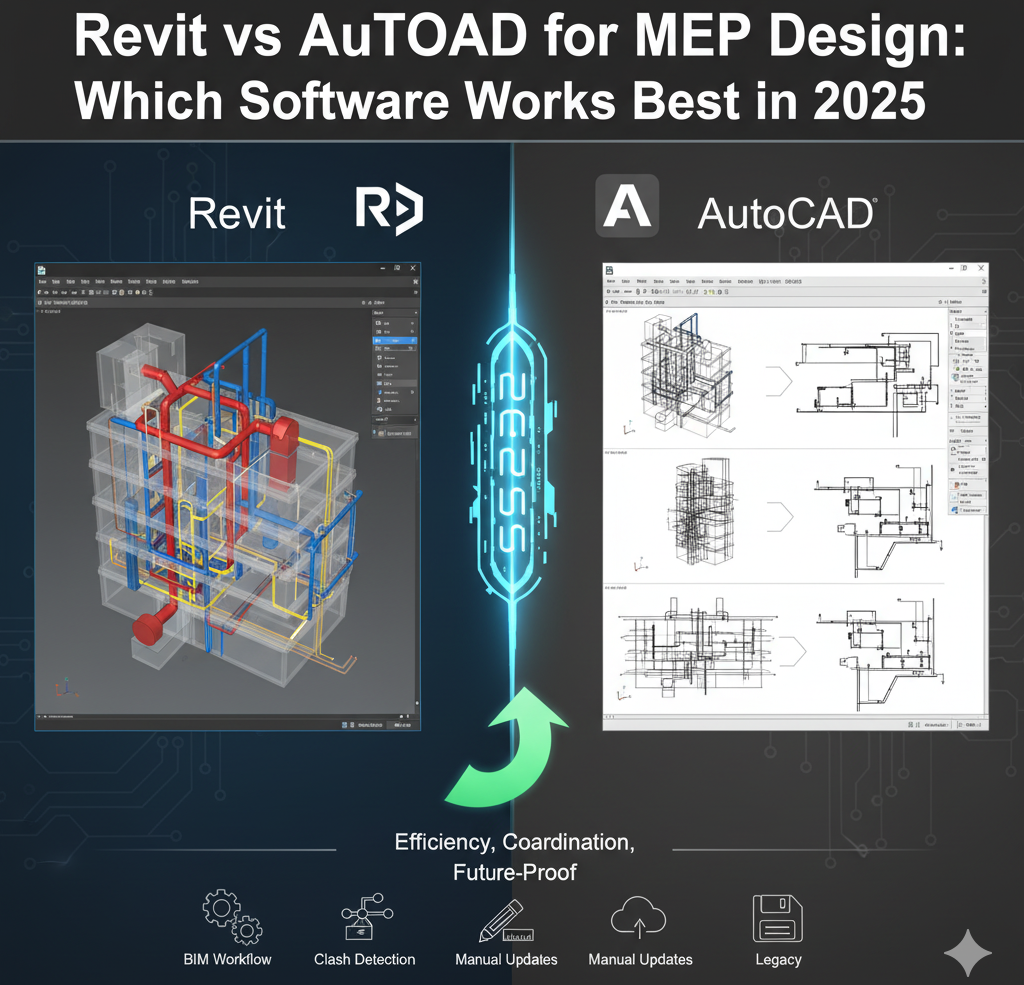
It is worth noting that Revit and AutoCAD are not always in competition. Many firms use both: Revit for the primary building model and design documentation, and AutoCAD (or AutoCAD Architecture) for site plans, details, or specialized 2D work that does not fit neatly into a Revit model.
Knowing both tools makes you a more versatile professional. The AutoCAD skills you have built are not wasted — they complement your Revit proficiency and remain relevant in many practice areas including civil, MEP, and interior design work.
Final Verdict: Is It Easy to Learn Revit If You Know AutoCAD?
Yes — significantly easier than starting from zero. Your precision drafting instincts, spatial reasoning, and familiarity with CAD workflow all give you a meaningful head start. The core challenge is the conceptual shift from drawing-centric to model-centric thinking, and most AutoCAD professionals find that this clicks within the first few weeks of dedicated practice.
With a structured approach, expect to be genuinely productive in Revit within two to three months. Proficiency for complex projects typically comes at the four-to-six-month mark. That is a remarkably short runway compared to a complete beginner, and it reflects the real value of the foundation you have already built.
The AEC industry’s continued shift toward BIM means that Revit proficiency is increasingly a baseline expectation rather than a bonus skill. The best time to make the transition is now — and your AutoCAD background makes you better positioned to do it than you might think.